Choose the style
Name the tone, setting, and visual cues you want repeated.
PHOTOS
If your visuals do not match the message, your content can feel unclear before people read the caption.
Build a simple AI photo prompt set for your next five usable visuals.

Focused product
One workspace. One first action. No full Studio dashboard unless you choose Studio.
You leave with
A visual direction for your current offer.
Five AI photo prompts with styling notes.
A checklist for what to create first.
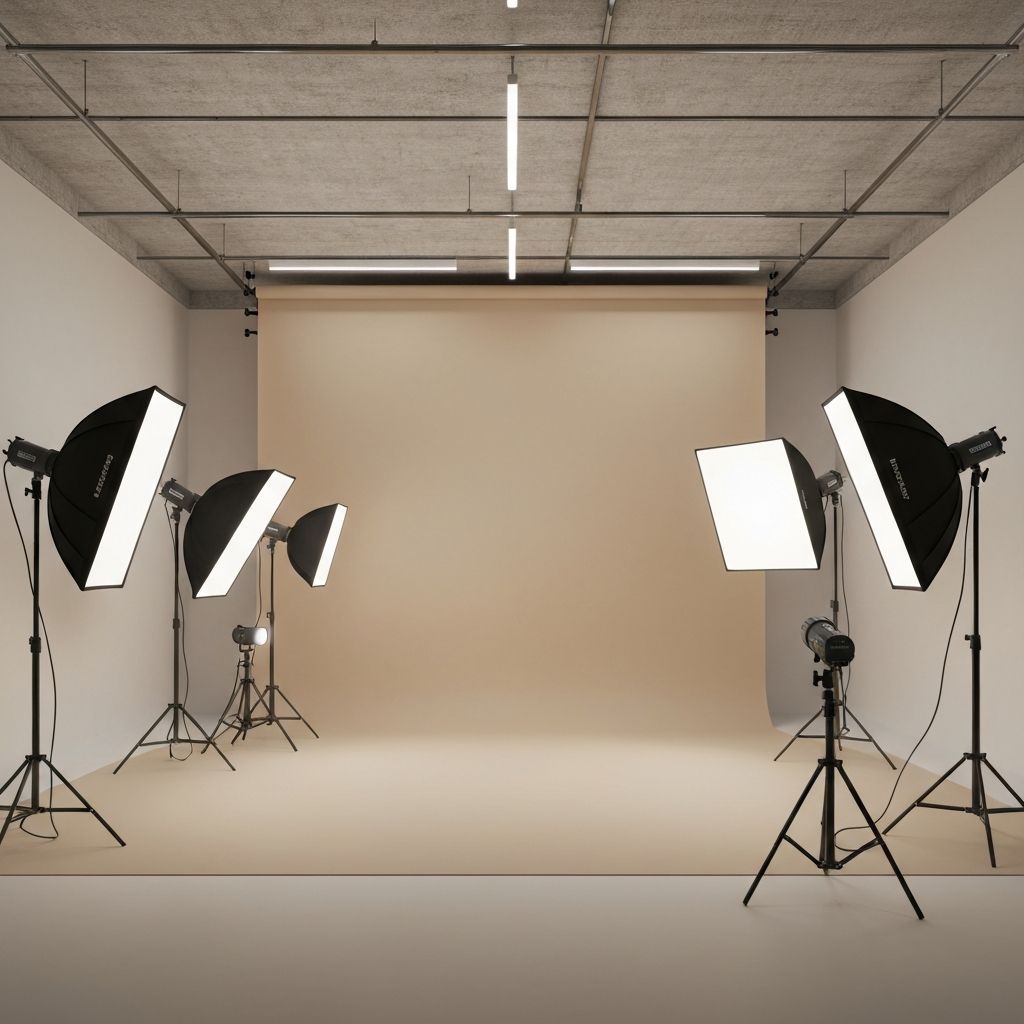
What changes after this
Your images start supporting the message.
You know what to generate before opening the tool.
Your next visuals feel more intentional.
How it works
Name the tone, setting, and visual cues you want repeated.
Maya turns the direction into usable image prompts.
Generate the first visuals and choose what belongs in the feed.
Best for you if
Next step
AI Photo Refresh gives you the visuals. Feed Reset turns them into a clear nine-post direction.
See Feed Reset