Resource Guide · 2026
Best AI tools
for personal branding
— what actually works
I've tested most of them. Here's the honest breakdown — what's worth your money, what's overhyped, and what a real personal brand stack looks like.
There are a lot of AI tools claiming to help with personal branding right now. Most of them are fine. A few are genuinely useful. A couple will actually change how much time you spend on content.
I've been building SSELFIE for a year. Before that, I was a regular creator spending €500 per photographer shoot and hours every week writing captions. I've tested most of the AI tools in this space — some as competitors, some as tools I actually use alongside SSELFIE.
This isn't a paid comparison. It's what I actually think.
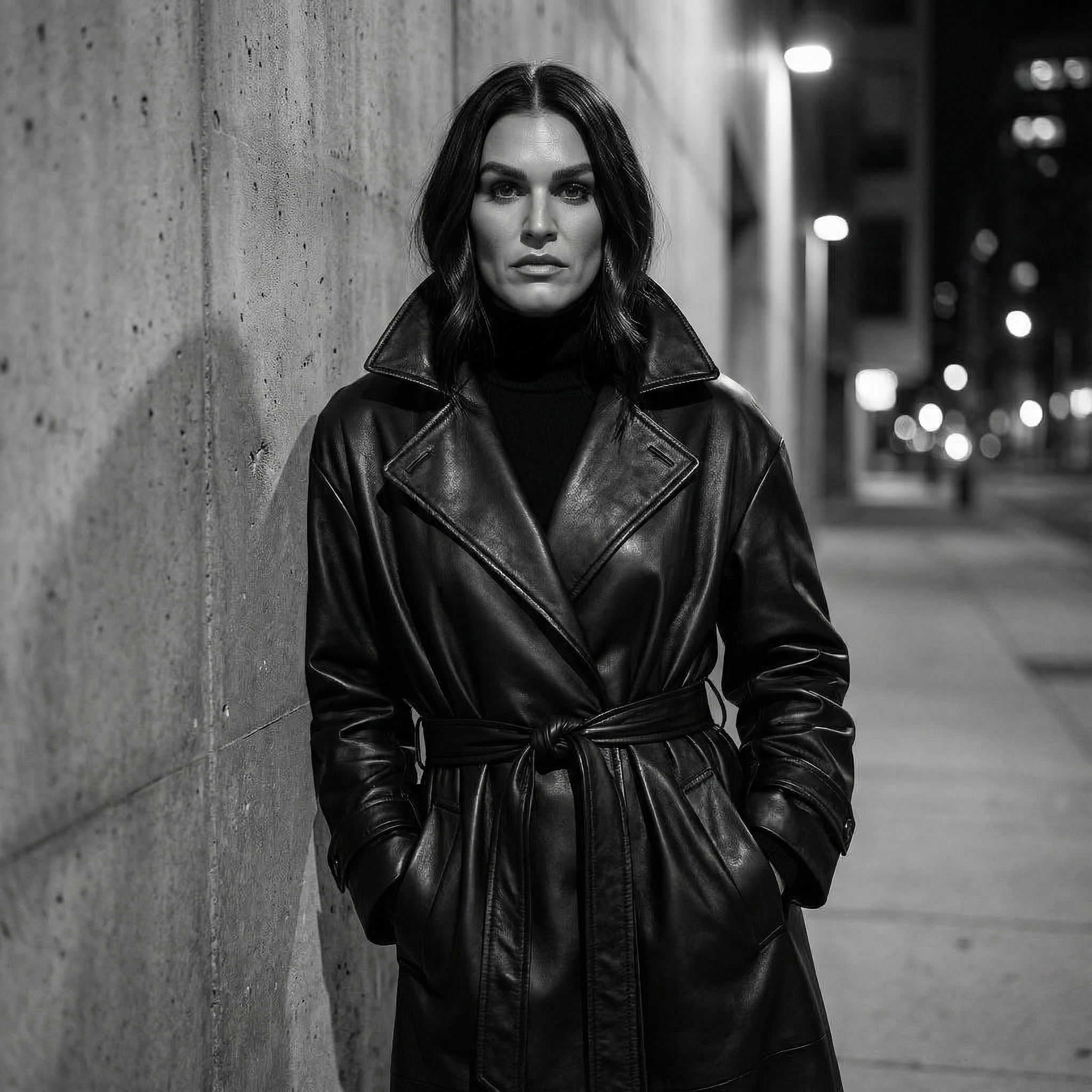
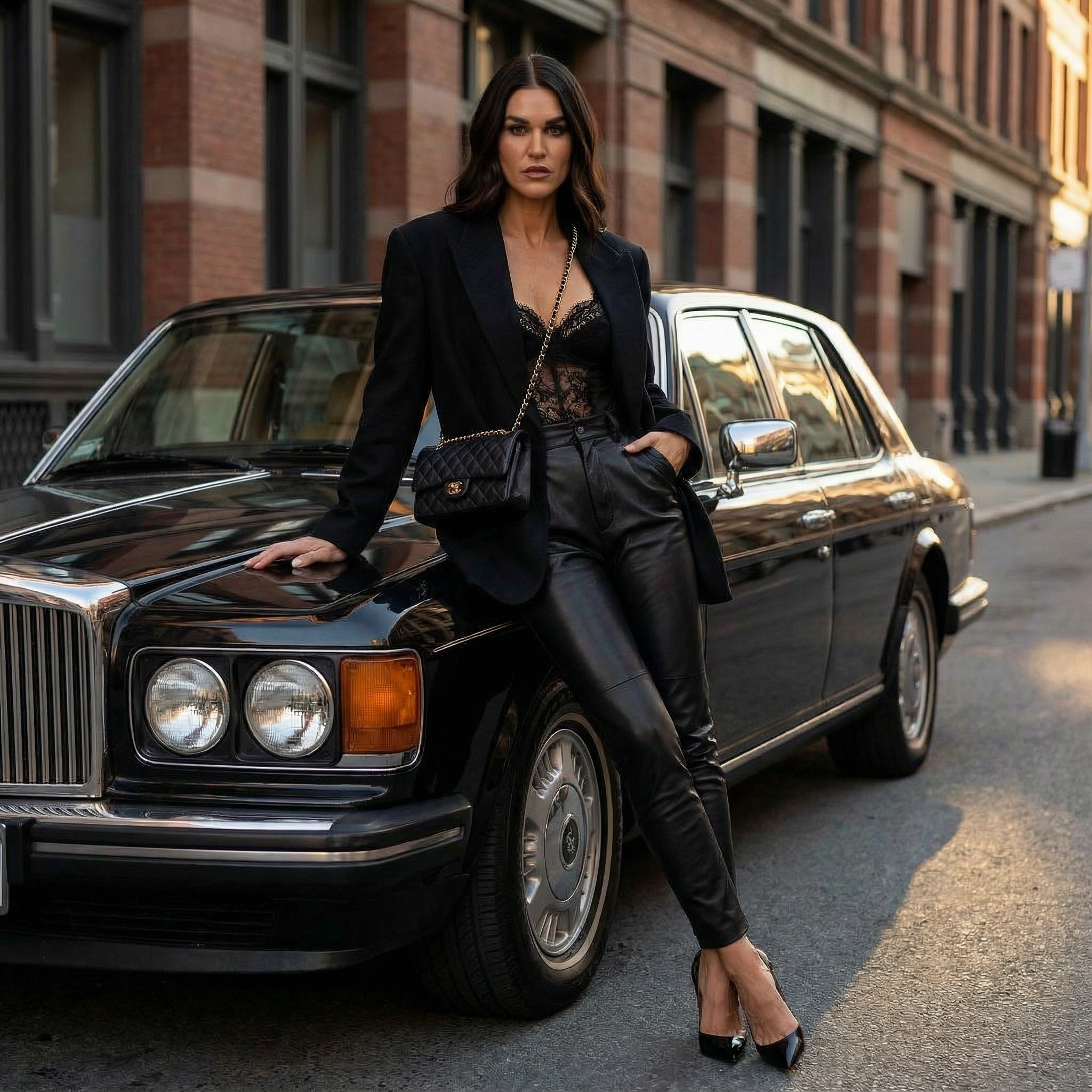
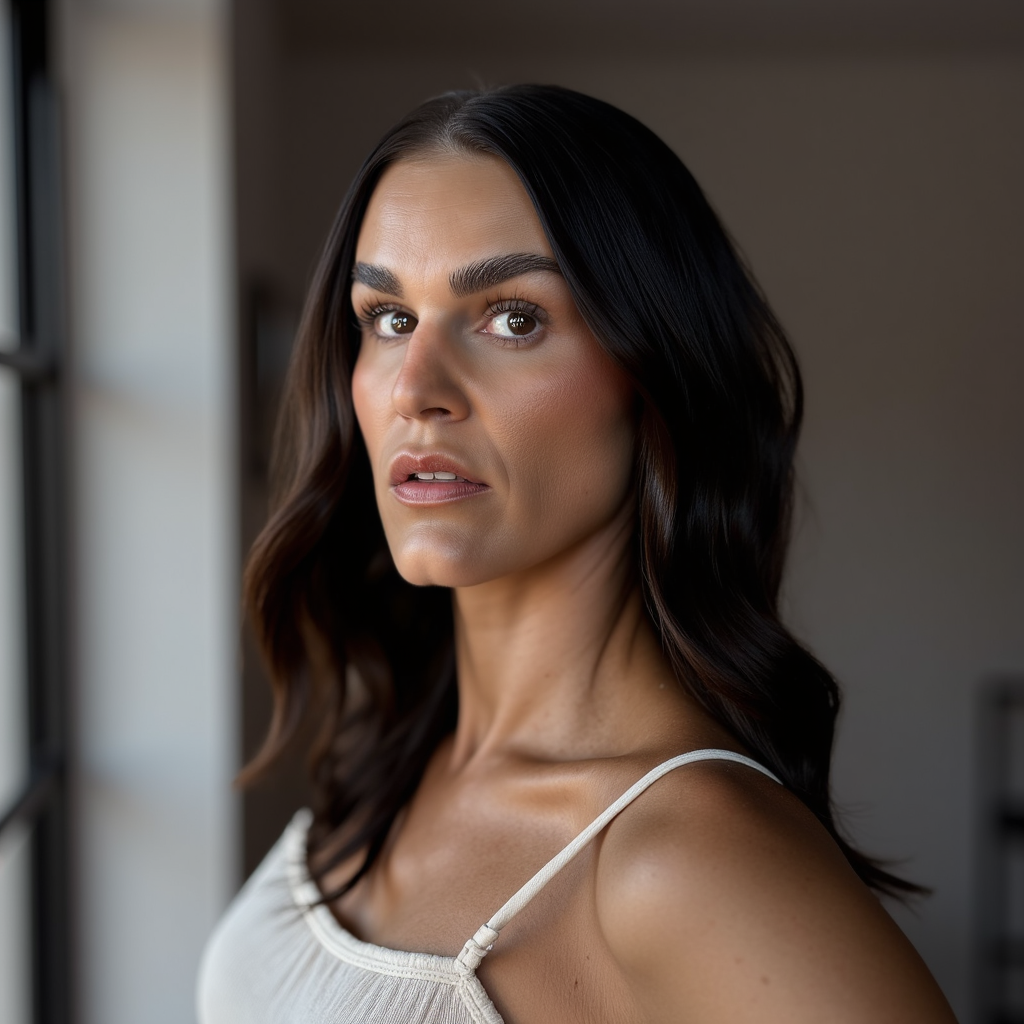
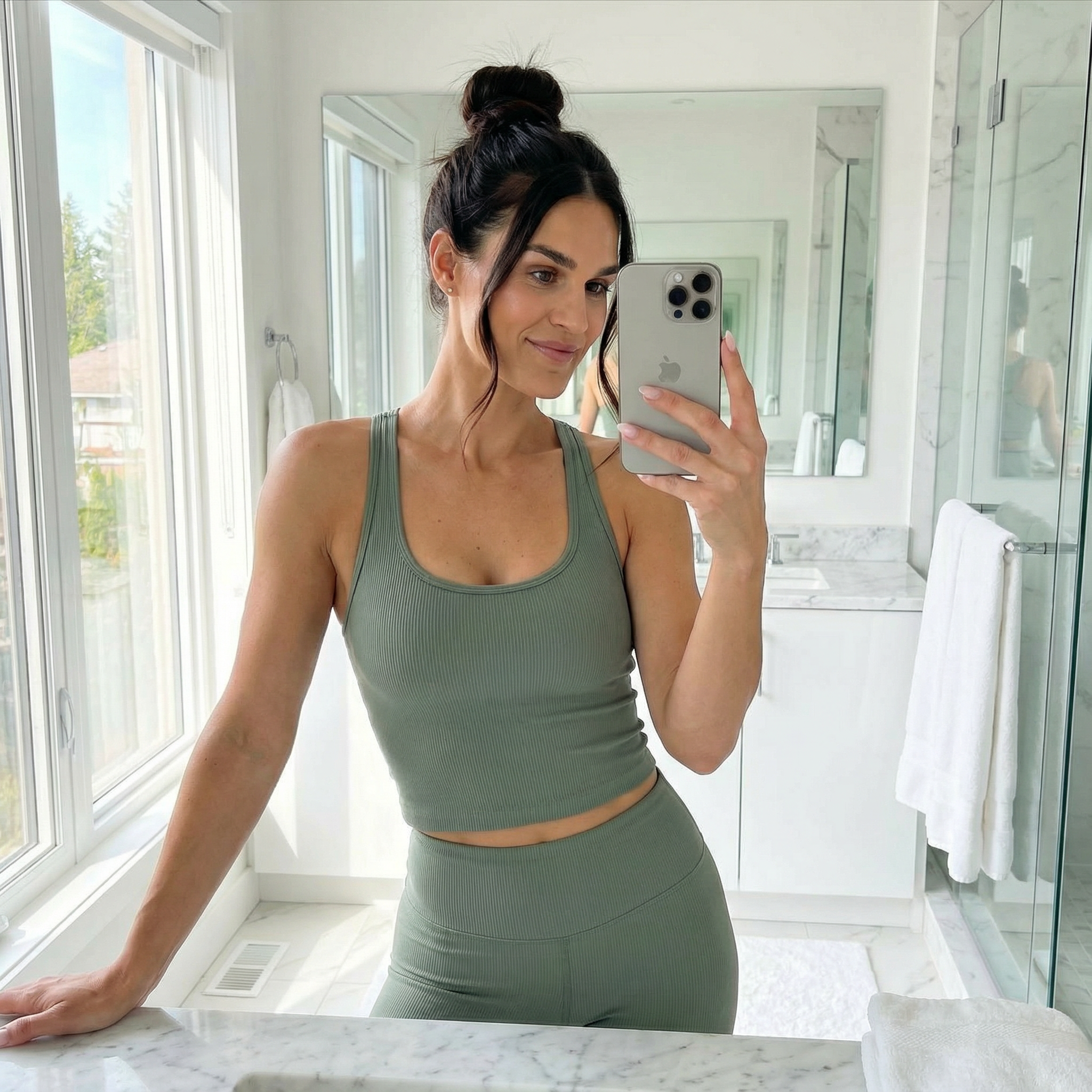
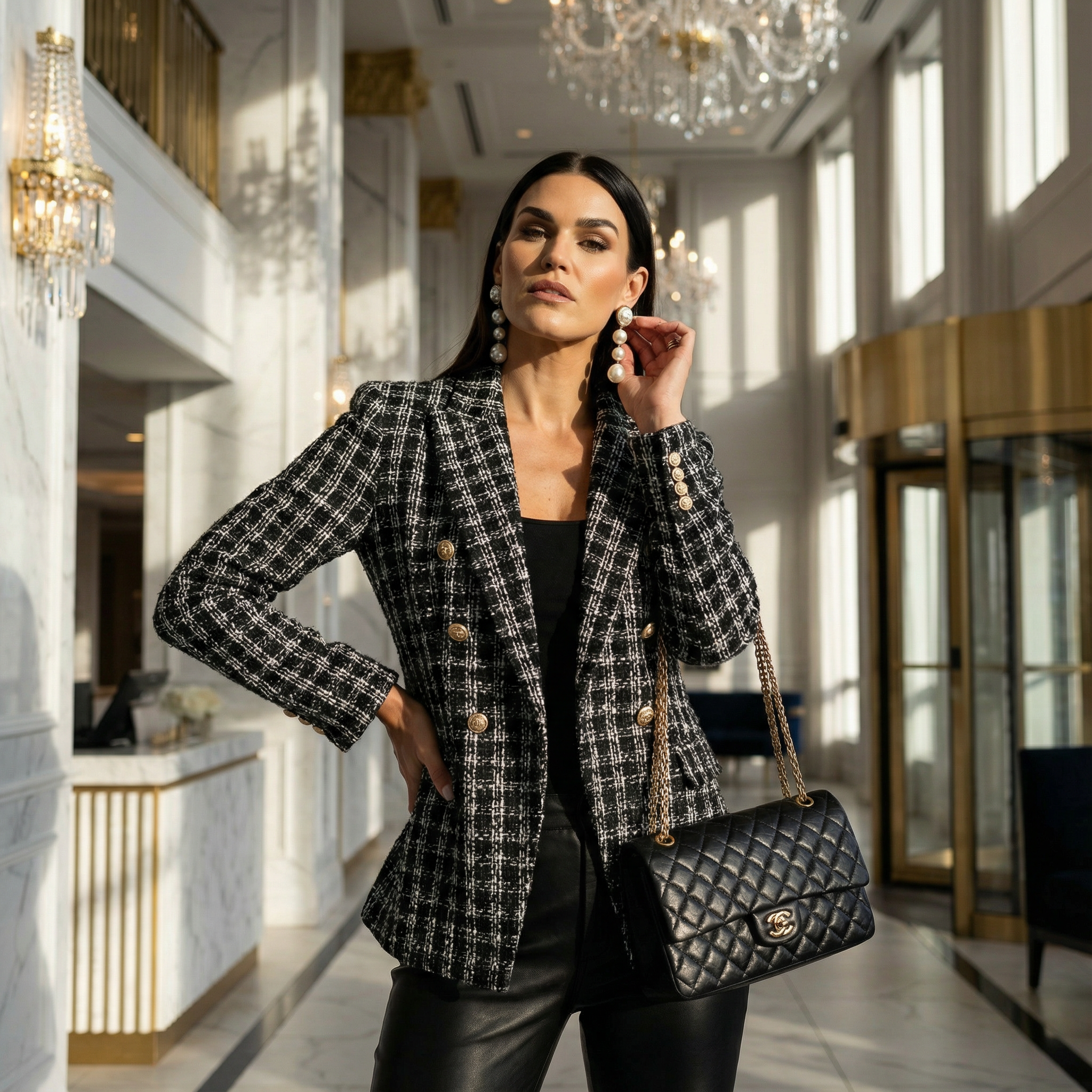
All generated with SSELFIE — same person, four different scenes
AI Brand Photos
SSELFIE
Top PickBest for: Personal brand builders who post weekly content
Trains a custom AI model on your face. Generates unlimited brand photos in any scene, outfit, or mood — guided by Maya, an AI that knows your brand voice. Also plans your Instagram feed and writes captions. Built specifically for content creators and coaches.
Best all-in-one for ongoing brand content
Aragon AI
Best for: One-time professional headshots
Fast, clean, professional results. Upload your photos, get ~40 AI headshots in a few hours. Consistently good for LinkedIn, speaker pages, and press kits. Doesn't do ongoing content — it's a one-time headshot tool.
Best for a single batch of headshots
Midjourney
Best for: Creative direction and concept imagery
Stunning images, but not trained on your face. Good for moodboards, brand visuals, and creative concepts. Requires prompt engineering skill. Not the right tool if you want photos that actually look like you.
Creative but not for personal brand photos
AI Captions & Copy
Maya (inside SSELFIE)
Top PickBest for: Brand-consistent captions in your voice
Maya knows your brand profile — your tone, your audience, your content pillars. She writes captions that sound like you, not like generic AI copy. Works best when paired with SSELFIE photos because she already has context from your feed.
Best for brand-voice captions
ChatGPT
Best for: Caption drafts and content ideation
Strong at generating caption variations and hooks. Requires you to brief it every session — it doesn't remember your brand voice. Works well if you have a clear brand voice guide and paste it in. Not the smoothest workflow for weekly content.
Good starting point, needs briefing every time
Claude
Best for: Longer-form content and brand voice refinement
Better than ChatGPT for nuanced writing and brand voice matching. Understands context well. Same limitation — no persistent memory of your brand. Great for writing your About page, email sequences, or refining your brand manifesto.
Better for long-form brand writing
AI Video & Content
CapCut AI
Top PickBest for: Reels, TikToks, and short-form video editing
The standard for AI video editing. Auto-captions, AI cuts, templates for Reels and TikTok. If you create video content, you're probably already using it. The AI script-to-video feature is useful for educational content.
Essential for video creators
Opus Clip
Best for: Repurposing long-form video into clips
Upload a long video, get AI-clipped highlights optimized for short-form. Good if you have podcasts, webinars, or long YouTube content you want to turn into Instagram Reels.
Good for repurposing long video
AI Design & Graphics
Canva AI
Best for: Templates, carousels, branded graphics
The backbone of most personal brand graphic work. AI features (Magic Write, background removal, image generation) are useful but not groundbreaking. The real value is the template library and brand kit. Doesn't create photos of you — use it for text-based graphics, carousels, and story templates.
Essential for graphic design, not for photos
My actual stack
Here's what I use every week for SSELFIE's own personal brand. I keep it small — every extra tool adds friction, not value.
Sandra's personal brand stack
SSELFIE Studio
All brand photos. Maya writes my captions, plans my feed, and generates my photos. This is 80% of my content creation.
CapCut
Reels and TikTok editing. Auto-captions are essential. I spend maybe 20 minutes on a Reel with CapCut.
Canva Pro
Story templates, carousel posts, email headers. I don't use it for photos — just graphics and layouts.
Claude
Email drafts, long-form content, refining my brand voice in writing. Not for captions — Maya handles those.
SANDRA
Founder, SSELFIE · 180K Instagram followers
“The mistake I see most personal brand builders make is adding too many tools. They sign up for 10 different AI subscriptions, spend more time managing tools than creating content, and still feel behind. Pick the bottleneck that's costing you the most — for most creators, that's photos. Fix that first. Everything else follows.”
Questions people ask
What is the best AI tool for personal branding overall?
For most personal brand builders, the best single investment is an AI photo tool — because photos are the biggest bottleneck. You need them for every post, every launch, every platform profile. SSELFIE is the only AI photo tool that trains on your specific face AND knows your brand voice, which makes it the best fit for ongoing content creation. If you only need one-time headshots, Aragon is simpler and cheaper.
Can AI replace a photographer for personal branding?
For most weekly content — Instagram posts, website banners, email headers, launch graphics — yes. AI tools like SSELFIE generate professional-quality photos in any style without scheduling a shoot. Where photographers still win: events, video, and highly styled editorial shoots. But if you're booking a photographer every few months just to have enough photos for Instagram, that problem is now solvable with AI.
How much should I spend on AI tools for my personal brand?
A solid AI personal brand stack — SSELFIE Studio ($97/mo), Canva Pro ($13/mo), CapCut (free) — runs about $110/month. Compare that to a photographer shoot at €500–1,500 every few months. Most creators who switch to AI save money even in the first month. Start with the tool that solves your biggest problem, and add others only if you actually hit the next bottleneck.
Do I need technical skills to use AI for personal branding?
No. The tools on this list are designed for creators, not developers. SSELFIE has Maya who walks you through everything in chat. Canva is drag-and-drop. CapCut is just editing on your phone. You don't need to write prompts or understand how AI works — you just need to show up and talk to the tool.
Start with the photos.
The Selfie Guide teaches you how to take the selfies that train a great AI model. $17 one-time. Then you'll have everything you need to generate unlimited brand photos with SSELFIE Studio.